




- Home > News > Product News
OPS PC Supplier Audit Checklist: Complete Guide for B2B Buyers
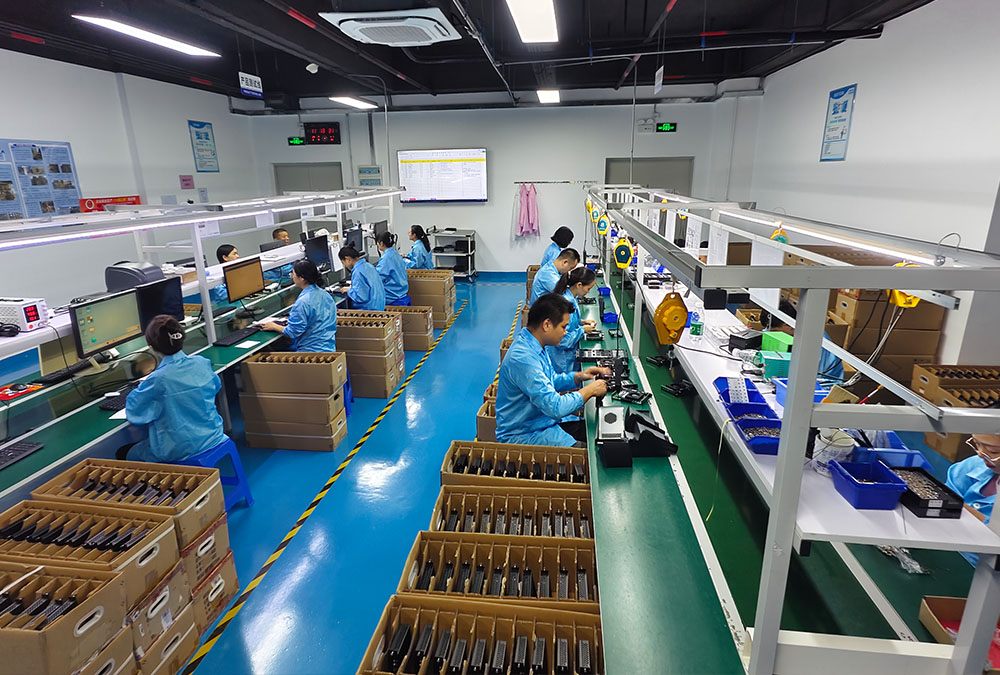
In OPS PC procurement, a perfect sample does not always guarantee stable mass production.
For B2B buyers, the real risk often appears after the sample stage — during bulk production, material changes, quality inspection, safety control, and after-sales handling.
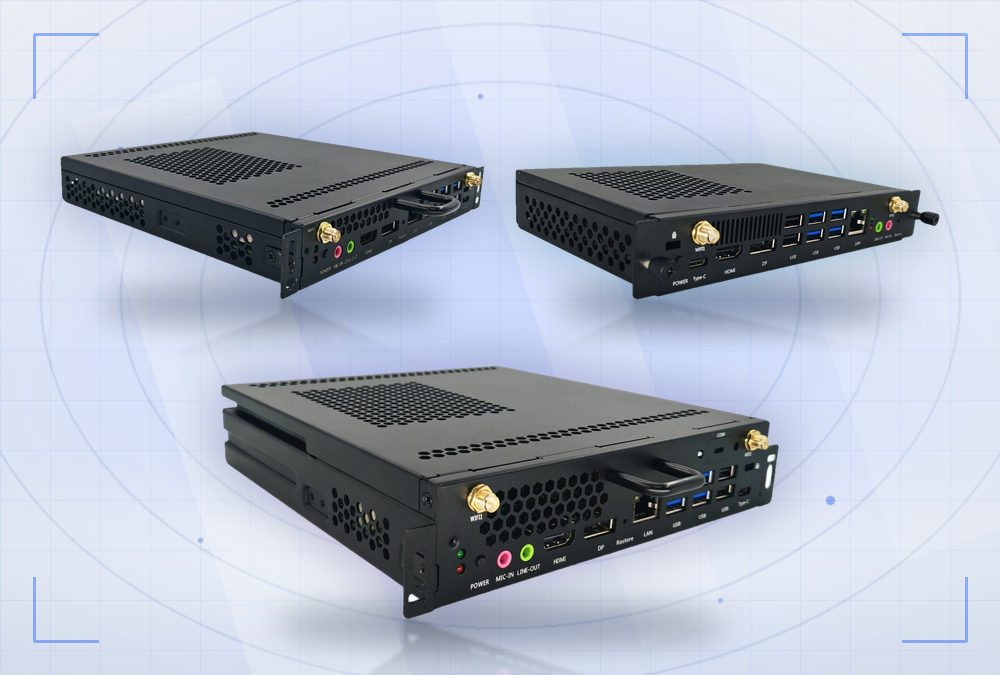
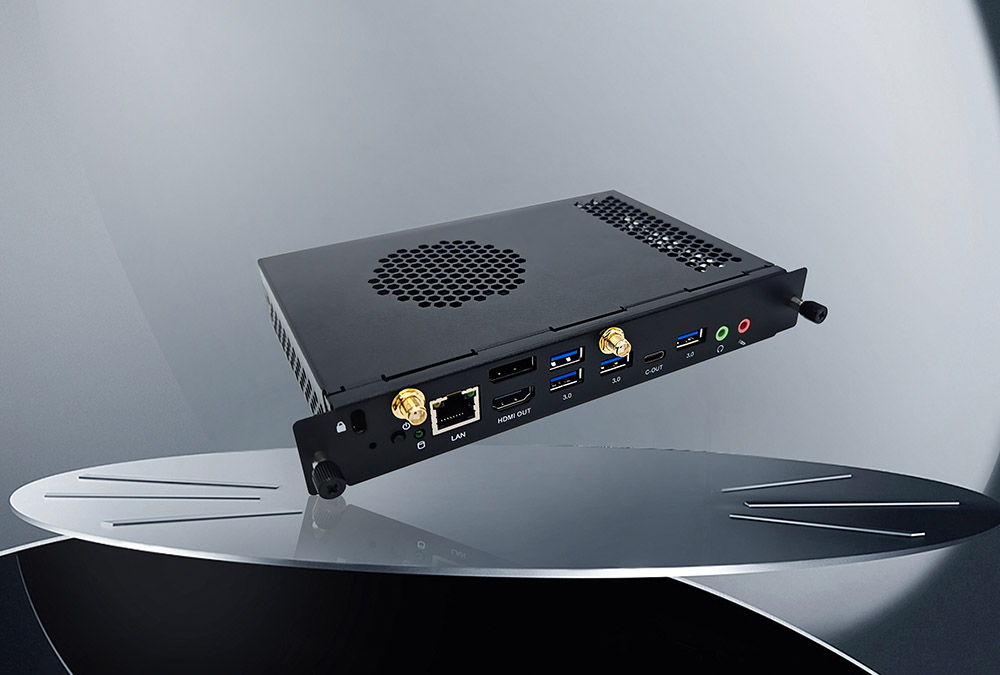
If you are buying hundreds or thousands of white-label OPS PCs, custom OPS PCs, or ODM OPS computers, placing an order based only on a quotation, product photos, and verbal promises can be risky. For buyers planning bulk orders, it is also important to compare different custom OPS computers and understand what level of OEM/ODM support the supplier can provide.
This supplier audit checklist helps B2B buyers evaluate whether an OPS PC supplier has real production capability, reliable quality control, and long-term delivery stability.
It is not written for engineers only.It is designed for procurement teams, importers, wholesalers, brand owners, project buyers, and business buyers who need to reduce risk before placing bulk OPS PC orders.
What B2B Buyers Should Confirm Before OPS PC Procurement

Many buyers start by asking:
“Can you send me the price?”
But without clear requirements, different suppliers may quote very different prices.
The cheapest offer may not use the same mianboard, CPU, SSD, RAM, housing, or testing standard.
Before requesting a quotation, buyers should define the product requirements as clearly as possible.
Confirm the Core Configuration
Do not describe the processor only as “i5,” “i7,” or “N series.”
The exact CPU model matters.
For example, an Intel i5-1235U and an i5-12450H are very different in performance, even though both are 12th Gen i5 processors, with big gaps in power consumption, thermal design, and target usage.
Buyer Checklist
Exact CPU model
Dimensions. If unclear, ask for interactive display brand, model and screen size
RAM capacity and specified brand requirement
Storage capacity and specified brand requirement
Specifications of Wi-Fi & Bluetooth module, whether a specific model is required
OS and language requirements, genuine license requirement and activation status
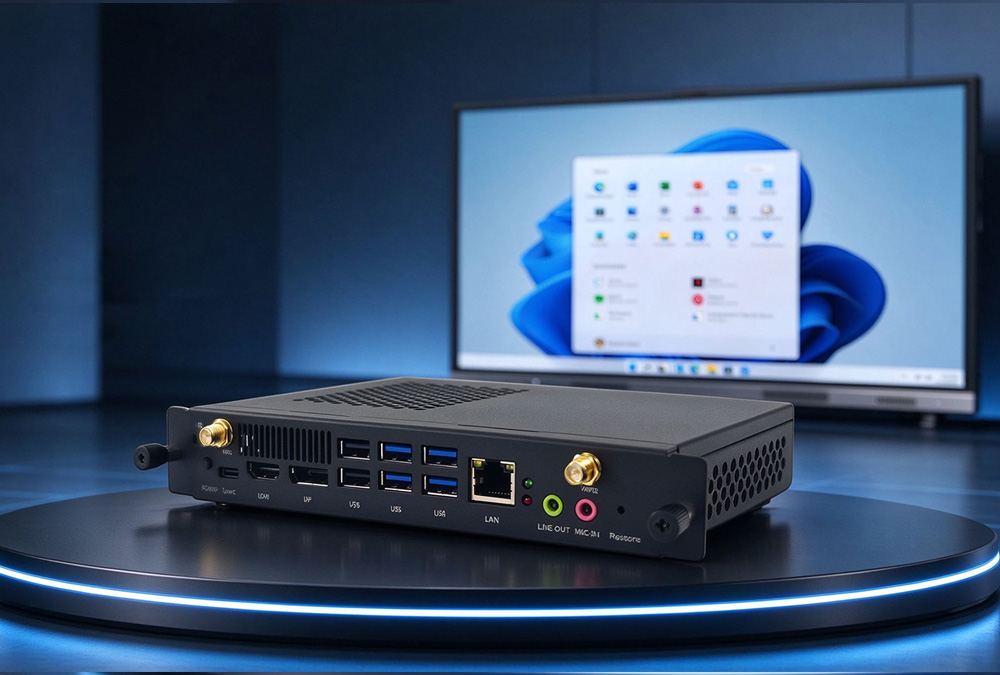
Interface configuration requirements
Firmware requirements
Software program requirements
Spare parts requirements
Target sales region (e.g. cold northern areas with sub-zero temperature that may cause boot failure)
Packaging requirements: whether serial number / model number etc. are customized by customer
Warranty period and spare parts warranty terms
Incoterms requirements
Whether logistics service provider accepts goods with coin lithium batteries
Clear specifications help buyers compare quotations fairly and avoid hidden configuration differences.
Certification Requirements
Different markets may require different certifications for OPS PCs. Before placing an order, buyers should confirm which certifications are required for the target market.
Common Certification Examples
China market: 3C, RoHS
European market: CE, RoHS, energy efficiency requirements
U.S. market: FCC
Other markets: local import, safety, and compliance requirements
The certificate should match the actual product model. Buyers should also check whether the applicant, manufacturer, and model number are consistent.
If certifications are incomplete or incorrect, the goods may face customs problems or sales restrictions in the local market.
Special reminder for OPS PC: RTC 3V coin cell battery also needs supporting documents such as UN38.3 and MSDS for sea or air shipment.
Define Acceptance Standards Before Production

Acceptance standards should be confirmed before mass production.
If these standards are not written clearly, disputes may appear during inspection or after delivery.
Recommended Acceptance Standards
OPS power-on & continuous burn-in test criteria
Housing scratch standard
80PIN connector plug/unplug durability test standard
IO interface function test standard
Wi‑Fi and Bluetooth performance test standard
Temperature limit under full load operation
Aging test duration
A clear acceptance standard protects both the buyer and the supplier.
Match Your Order Requirements with the Right Supplier
If your project requires logo branding, housing silk-screen, packaging customization, pre-installed system image or BIOS configuration, working with an experienced OEM and ODM OPS PC supplier can help reduce communication costs and production risks.
A bigger supplier is not always a better supplier.
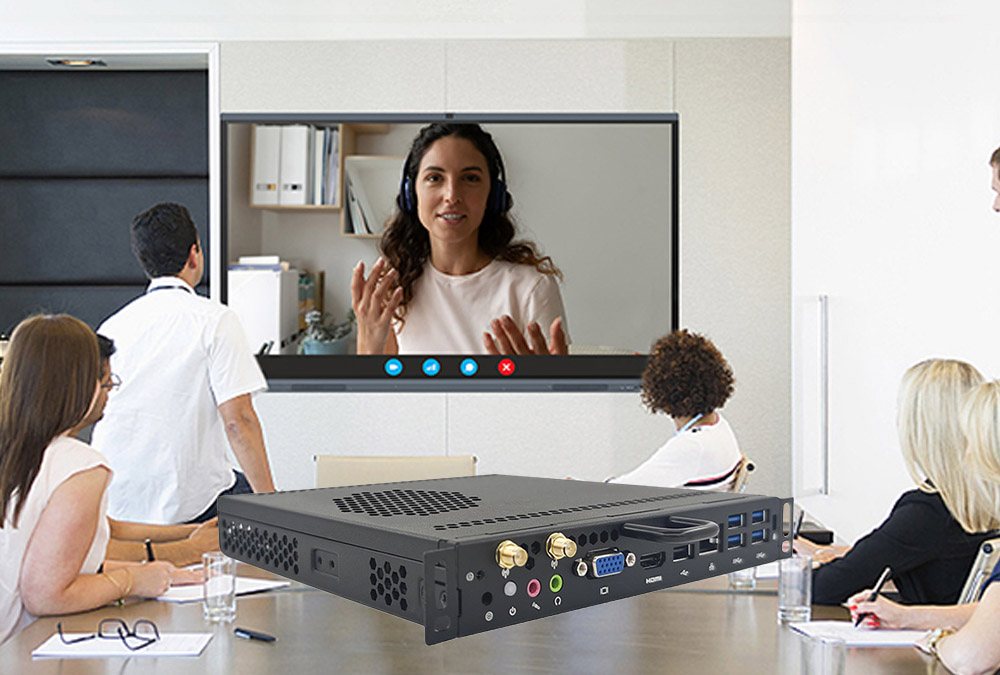
A large factory that mainly serves global brands may not be the best match for small or medium-sized B2B orders. If your order is several hundred or several thousand units, you may need a supplier that is flexible, responsive, and experienced with customization for interactive display projects.
The supplier should match your real order size, budget, product complexity, and delivery expectations.
What Buyers Should Consider
Is the order quantity suitable for this supplier?
Does the supplier accept OEM or ODM customization?
Can the supplier support BIOS and firmware customization?
Can the supplier handle housing logo, packaging, and pre-installed system setup?
Does the supplier have experience with OPS and interactive display projects?
Can the supplier explain the price difference between hardware configurations?
Low price is not always a problem. The real problem is when the supplier cannot explain what has been changed to reach that low price.
For example, a very low price may mean changes in motherboard version, RTC battery brand, SSD quality, housing material, connector grade, or aging test duration.
Review Supplier Documents Before an On-Site Audit
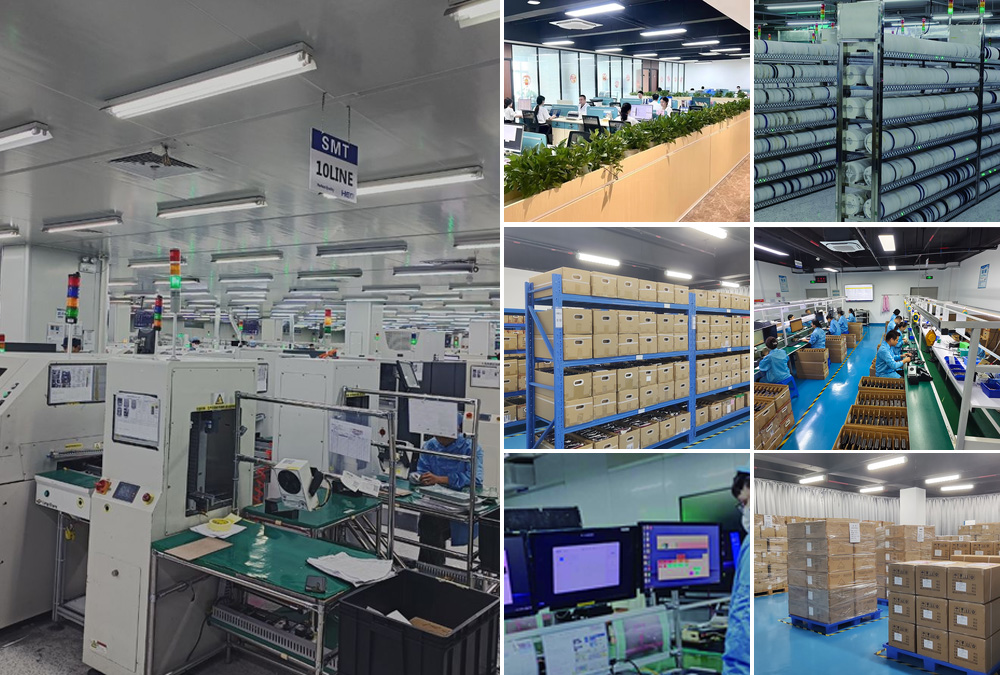
Before arranging an on-site factory audit, buyers can first review supplier documents remotely. This step can save time and travel costs. It can also help identify obvious risks early.
Recommended documents to review
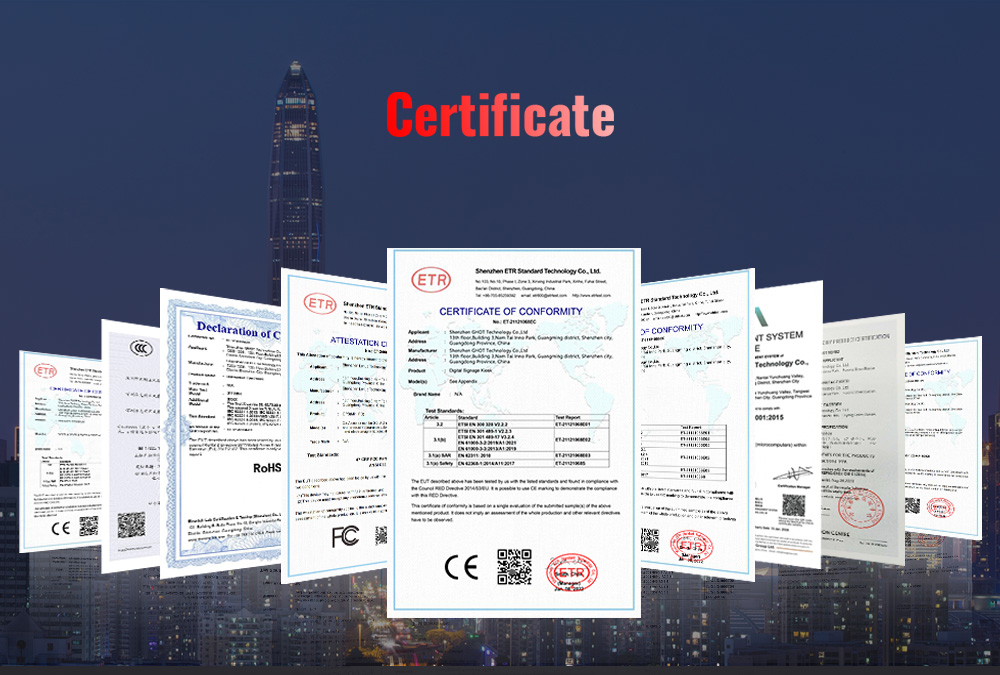
Product certification reports (CE, FCC, RoHS etc.)
Spec sheet and BOM list for the OPS model
PCB and mechanical drawing
Test reports: burn-in, temperature and interface test
Manufacturing flow chart and QC inspection procedure
RMA after-sales handling process
Relevant documents for RTC coin cell battery (UN38.3, MSDS)
If key documents are missing or inconsistent, buyers can address these questions before visiting the factory.
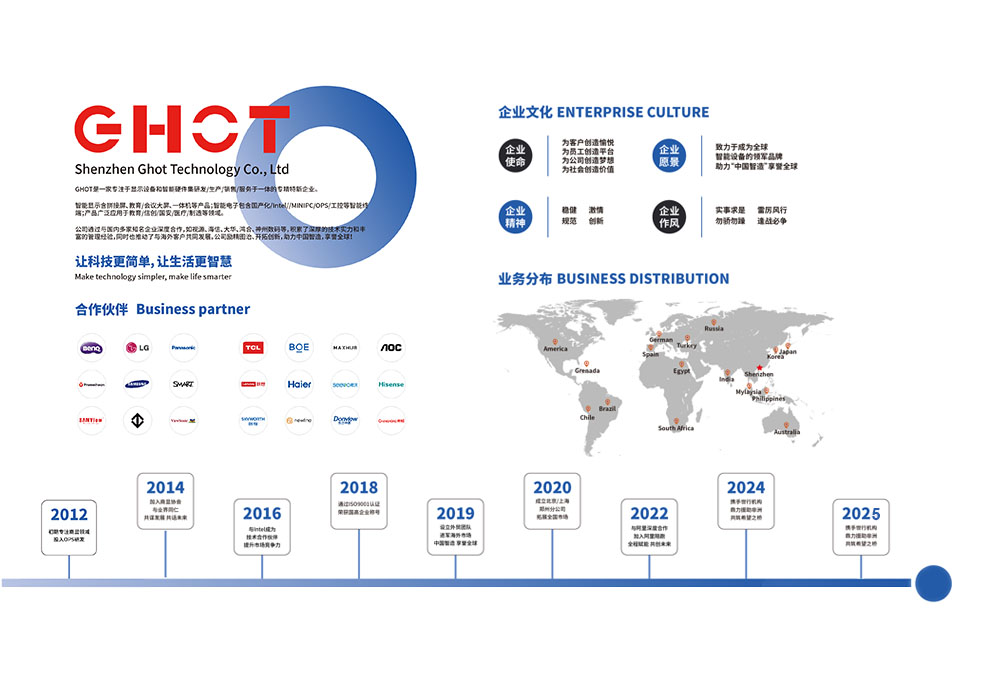
Business License
Buyers should check the supplier’s basic company information.
What to Review
Company name
Establishment date
Registered business scope
Whether the business scope includes computers, electronic products, or manufacturing
Whether the company information matches the supplier’s quotation and website
If a supplier was established recently but claims to have many years of large-brand manufacturing experience, buyers should ask for additional proof.
Product Certifications
Product certificates should be checked carefully, especially for regulated markets.
What to Verify
WWhether the certificate model matches the OPS product being purchased
Whether the applicant and manufacturer information is consistent
Whether the certificate is still valid
Whether the supplier is using a certificate from another model
Whether the certificate can be verified through official channels
Whether supporting documents for RTC coin cell battery (UN38.3, MSDS) are available for shipment
Using an incorrect or unrelated certificate can create serious compliance risks.
Related Cases
MORE >-
![field.arcurl}]()
What Is an OPS Computer?
An OPS computer is a pluggable PC module that turns any interactive display into a full Windows workstation. Learn how OPS wo
-
![field.arcurl}]()
OPS PC for Meeting Intera
GHOT OPS PC is pluggable computing module for interactive meeting flat panels. It enables smooth video conference, wireless c
-
![field.arcurl}]()
OPS Interface Explained |
Full technical breakdown of OPS interface: dimensions of standard OPS and OPS-C,GHOT offers OPS & OPS-C modules for commercial and education displays.
-
![field.arcurl}]()
Inside GHOT's Factory: Ho
Take a tour of GHOT‘s 6,000 m² factory: dust-free workshops, aging lines, transport vibration testing and multiple Production
-
![field.arcurl}]()
OPS PC Supplier Audit Che
In the wave of digital audio revolution, “Walk Play” APP with its cutting-edge technology brings USB Type-C digital hea
-
![field.arcurl}]()
GHOT OPS Computer | OEM/O
GHOT OPS computers support Intel Core i3-i9, 4K 38402160@60Hz, gigabit LAN, dual-band Wi-Fi, dual copper heat sinks and optio
-
![field.arcurl}]()
Verified Quality: GHOT Ce
See how GHOT’s complete certification portfolio mitigates compliance risks in bidding and customs clearance for hassle-free p
-
![field.arcurl}]()
GHOT Company History | Mi
From founding in 2012 to ISO certifications, automated lines and global trade — explore the development history of Shenzhen G
-
![field.arcurl}]()
GHOT OPS PC | OPS Module
GHOT OPS computer powers interactive flat panels & smart blackboards for classrooms. Enjoy seamless Android/Windows dual syst
-
![field.arcurl}]()
About GHOT | Shenzhen Man
GHOT Technology is a Shenzhen-based manufacturer of OPS computers,OPS PC,Mini PC, industrial PCs and Interactive displays — 6